
Download Yomikiru – manga reader, comic reader, offline reading, image viewer, comic library
Overview
Yomikiru is a dedicated tool designed for readers who enjoy manga and comics on their personal computers. Built with a focus on simplicity and customization, it provides a seamless experience for viewing digital comics without requiring an internet connection. The app supports a wide variety of image and archive formats, making it highly versatile for users who store their manga collections in different file types. Its primary function is to serve as a reading platform, allowing users to access and browse their locally stored content efficiently.
Target users include manga enthusiasts, digital comic collectors, and individuals who prefer offline reading. The application is especially useful for those who maintain large libraries of scanned manga or downloaded chapters, offering a structured way to organize and access their materials. While it does not include download functionality, it excels in managing and displaying content already present on the user’s system.
Yomikiru was developed by the Yomikiru Team, a group focused on creating efficient, lightweight tools for digital reading. The app’s release date was December 10, 2024, marking its entry into the productivity software space with a niche focus on comic reading. In the broader app ecosystem, Yomikiru fills a gap for users seeking a clean, fast, and customizable reader that prioritizes usability over additional features.
Key Features & Functionality
- Wide Format Support: Yomikiru handles multiple image formats including JPG, PNG, and WEBP, ensuring compatibility with most digital manga files. It also supports common archive formats like ZIP and RAR, allowing users to open compressed folders directly without prior extraction.
- Reading-Only Functionality: The app is designed exclusively for viewing content. It does not provide built-in download capabilities, meaning users must obtain manga files through external tools before importing them into Yomikiru.
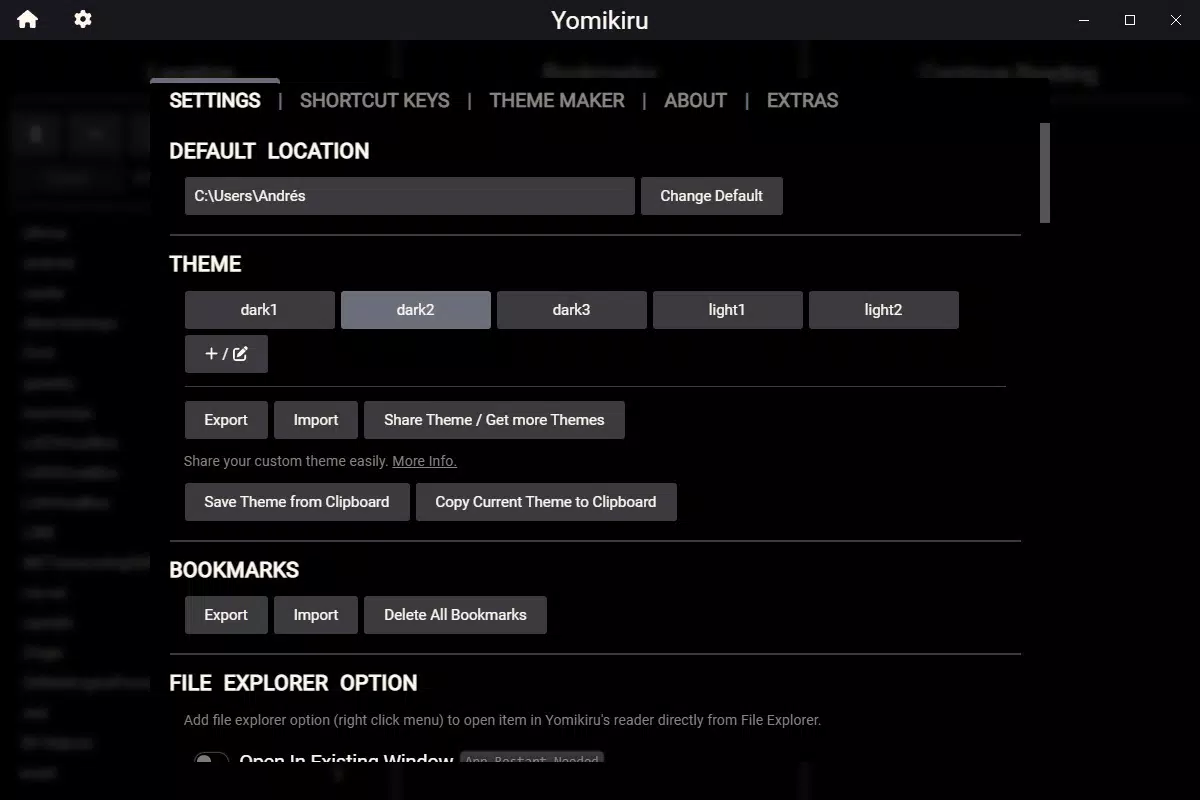
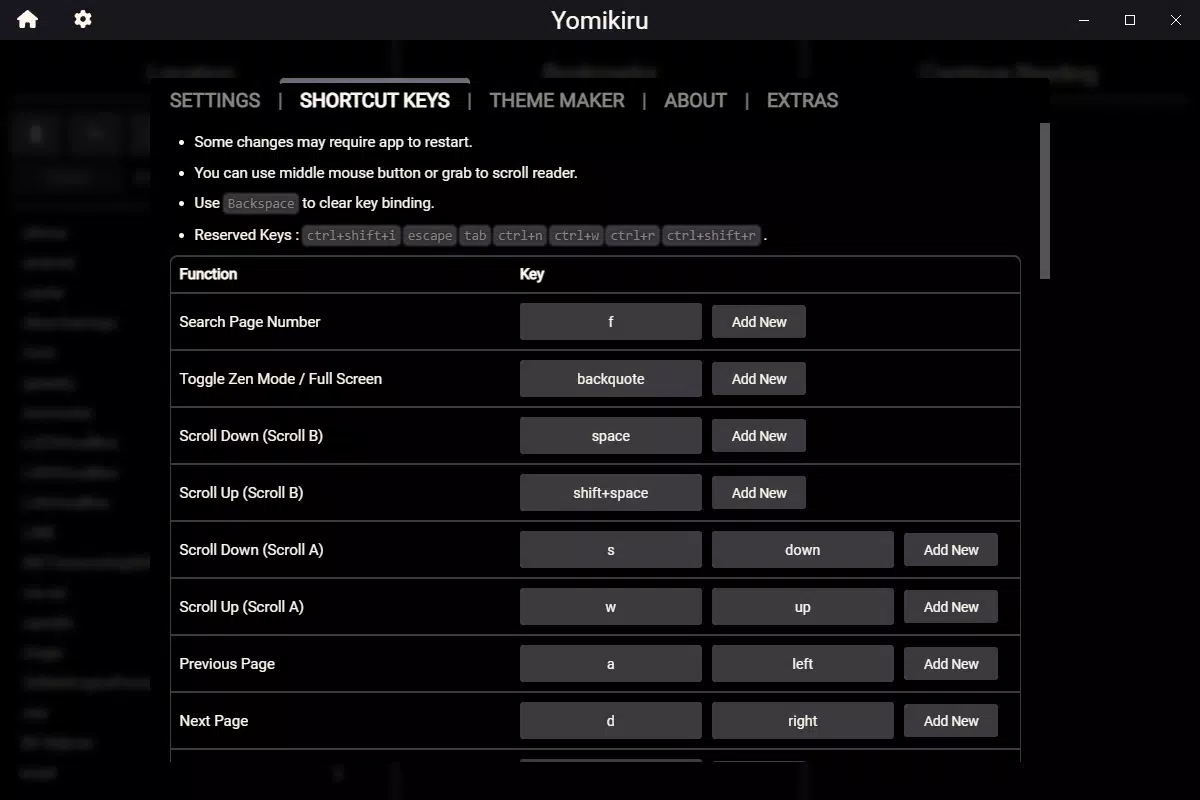
- Customization Options: Users can personalize their reading environment using a selection of default themes or by creating custom ones. Over 30 keyboard shortcuts are available to streamline navigation, panel flipping, and library management.
- User-Friendly Interface: The interface is divided into three columns—content directories, bookmarks, and current reading—offering a clear, intuitive layout that enhances accessibility and workflow efficiency.
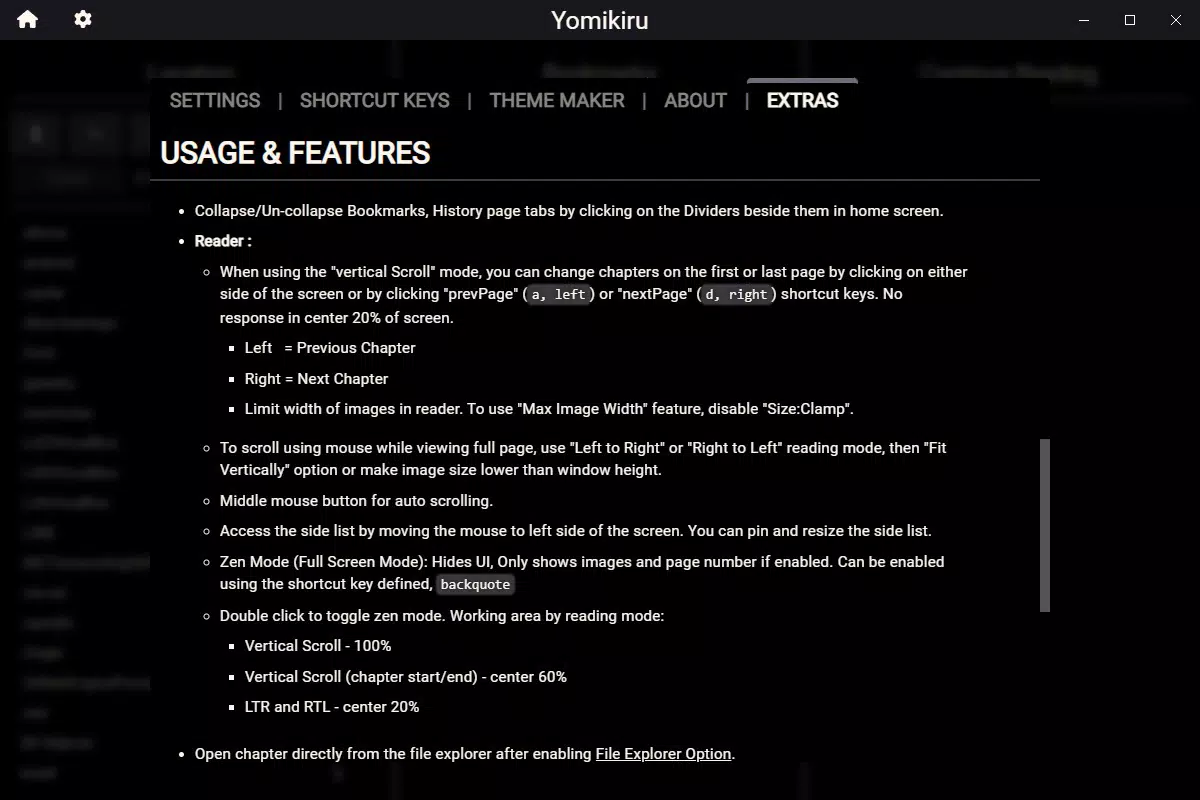
- Comprehensive Help Resources: A built-in tutorial within the Settings menu guides users through common tasks and troubleshooting steps, serving as a valuable onboarding tool for new users.
For example, a user with a large collection stored in nested folders can quickly locate specific series using the directory panel. Another user might use keyboard shortcuts to navigate between chapters without touching the mouse, improving reading speed and comfort. The support for compressed archives allows users to keep their files compact while still being able to read them directly.
Interface, UX & Performance
Yomikiru features a clean, minimal interface with a three-column layout that separates content navigation, bookmarks, and active reading. This structure promotes clarity and reduces visual clutter, allowing users to focus on their reading experience. The visual style is straightforward, emphasizing functionality over decorative elements.
Navigating through the app is intuitive. Users can browse folders, open files, and manage bookmarks with minimal clicks. The reading view is optimized for smooth panel transitions and proper image scaling, ensuring that pages are displayed clearly without distortion.
Although the developer did not list formal performance metrics, the app’s lightweight size of 18.2 MB suggests efficient resource usage. It is expected to run smoothly on most modern Windows systems. Responsiveness appears consistent across different screen sizes and resolutions, though specific device compatibility details were not disclosed. Stability during extended reading sessions is not confirmed, but the app’s focused design reduces the likelihood of crashes or freezes.
Platform Compatibility & Technical Requirements
Yomikiru is available for Windows platforms. The current version is 1.0.1, with a file size of 18.2 MB. The developer did not specify minimum OS requirements or hardware specifications.
Given its small footprint and lack of complex dependencies, the app is likely compatible with most Windows 10 and Windows 11 systems. However, compatibility with older or low-end systems was not confirmed. The app does not require administrative privileges to install, which simplifies the setup process for average users.
Pros and Cons
Pros
- Lightweight at just 18.2 MB, ideal for systems with limited storage.
- Supports multiple image and archive formats, enhancing file compatibility.
- Extensive customization options including themes and keyboard shortcuts.
- Free to download and use, with no in-app purchases or ads.
- Intuitive three-column interface improves navigation and organization.
Cons
- No built-in download functionality; external tools required for acquiring manga.
- Specific system requirements were not listed by the developer.
- Limited information on performance across different hardware configurations.
- Only available for Windows, restricting access for users on other platforms.
- Documentation and support resources are minimal beyond the in-app tutorial.
FAQ
Is Yomikiru safe to download and install?
Yes, Yomikiru is a free tool developed by the Yomikiru Team. It does not contain malware or intrusive ads. As with any software, it is recommended to download from official sources to ensure authenticity.
Can I read manga from ZIP and RAR files directly?
Yes, Yomikiru supports compressed archives like ZIP and RAR, allowing users to open and read manga files without extracting them first.
Does Yomikiru support reading comics on mobile devices?
Currently, Yomikiru is only available for Windows. There is no official version for Android or iOS devices.
How do I update Yomikiru to the latest version?
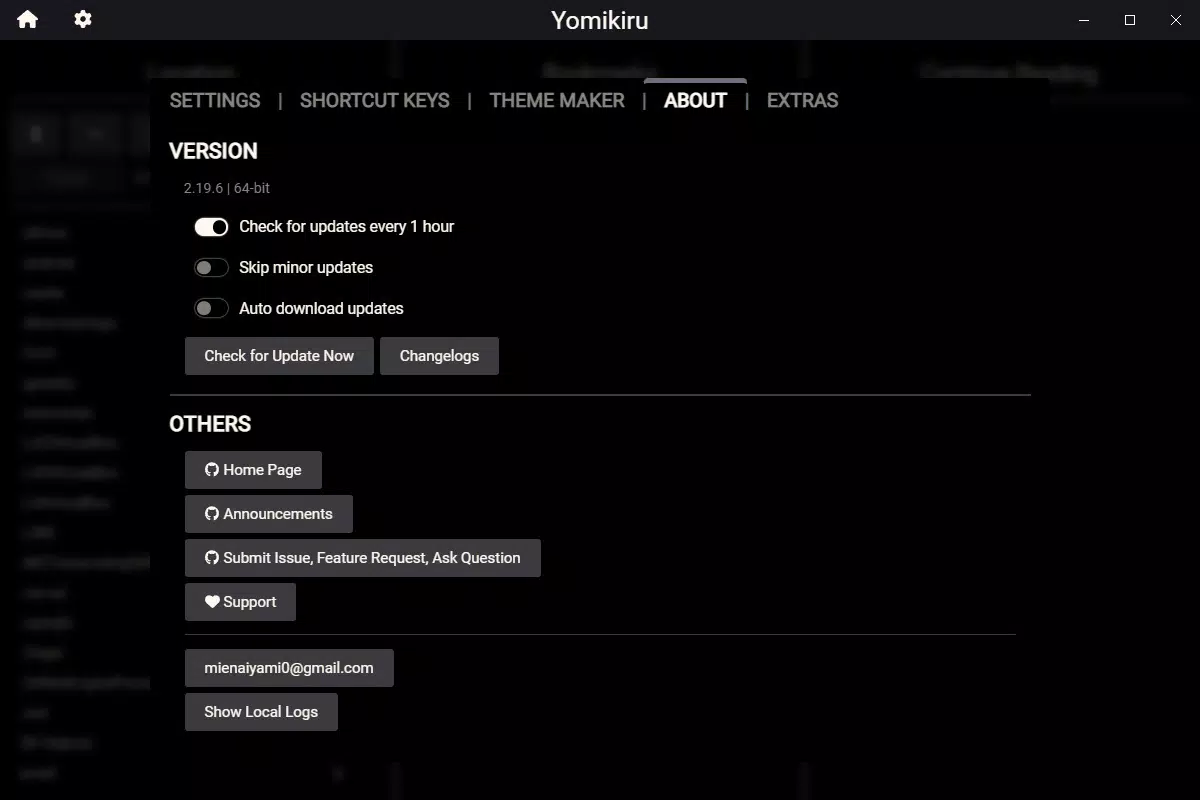
Updates are managed by the developer. Users should check the official website for new releases and download the latest version manually.
Is Yomikiru suitable for large comic libraries?
Yes, the app’s folder-based organization and bookmarking system make it well-suited for managing extensive manga collections. However, performance may depend on system resources and file structure.
Final Thoughts
Yomikiru stands out as a focused, efficient tool for fans of digital manga and comics who value offline access and customization. Its lightweight design, broad format support, and clean interface make it a strong choice for users with large local libraries. While it lacks download features and is limited to Windows, its strengths in usability and personalization deliver a solid reading experience.
For readers who prioritize control over their content and prefer a no-frills environment, Yomikiru offers a reliable and secure solution. It is particularly beneficial for those who already manage their manga collections and simply need a dependable reader.
Download Yomikiru now


